What can I do to "get ready" for a lesson in which my students use computers?
In order to prepare for a lesson in which students use computers, a teacher should first make sure that they create a thorough and carefully prepared lesson plan. Of course, an NTeQ lesson plan is highly preferable in the case of a lesson that requires computer use. Besides a thorough lesson plan, the teacher should also prepare the necessary handouts for the lesson. Students are going to need some sort of guidance on their activities and handouts will help them along the way. One type of handouts that is useful is a step-by-step guide, which tells students exactly how to do the technical portion of a newer computer task. Other handouts that can be used in computer lessons are resource guides and assessment tools. Teachers must also make sure that they prepare the technology in order to ready themselves for a computer lesson. This may include creating digital folders, loading special software, or bookmarking specific websites.
Where does the "computer part" come when I am teaching a lesson?
The computer part of an NTeQ lesson comes into play during the "during computer use" step. In this step, students have access to the computers in order to complete tasks assigned by the teacher. For example, the teacher may have asked students to create a presentation on a specific animal and its attributes. Students may use the computer time to research the animal on the internet. They may also use the computer again, after synthesizing and organizing their research, to create a presentation on a program like PowerPoint.
How do you ensure equal access for all students with only three computers?
It is important that the teacher ensures that all students have some time to access the computers and put them to use. In a classroom with only three computers, this can often be a challenging task. Teachers should make sure that students have routine use of technology in lessons. Teachers should aim to create lessons that require a group product, where each student contributes a portion of the final outcome. This uses cooperative learning, which is extremely helpful to students. Teachers should also monitor the rotation of these groups, ensuring that they take turns using the computer among the group.
Showing posts with label teachers and computers. Show all posts
Showing posts with label teachers and computers. Show all posts
Sunday, April 27, 2014

Thursday, April 3, 2014
Reflecting on What I Know - Chapter 11
What are the benefits of using problem-solving or educational software?
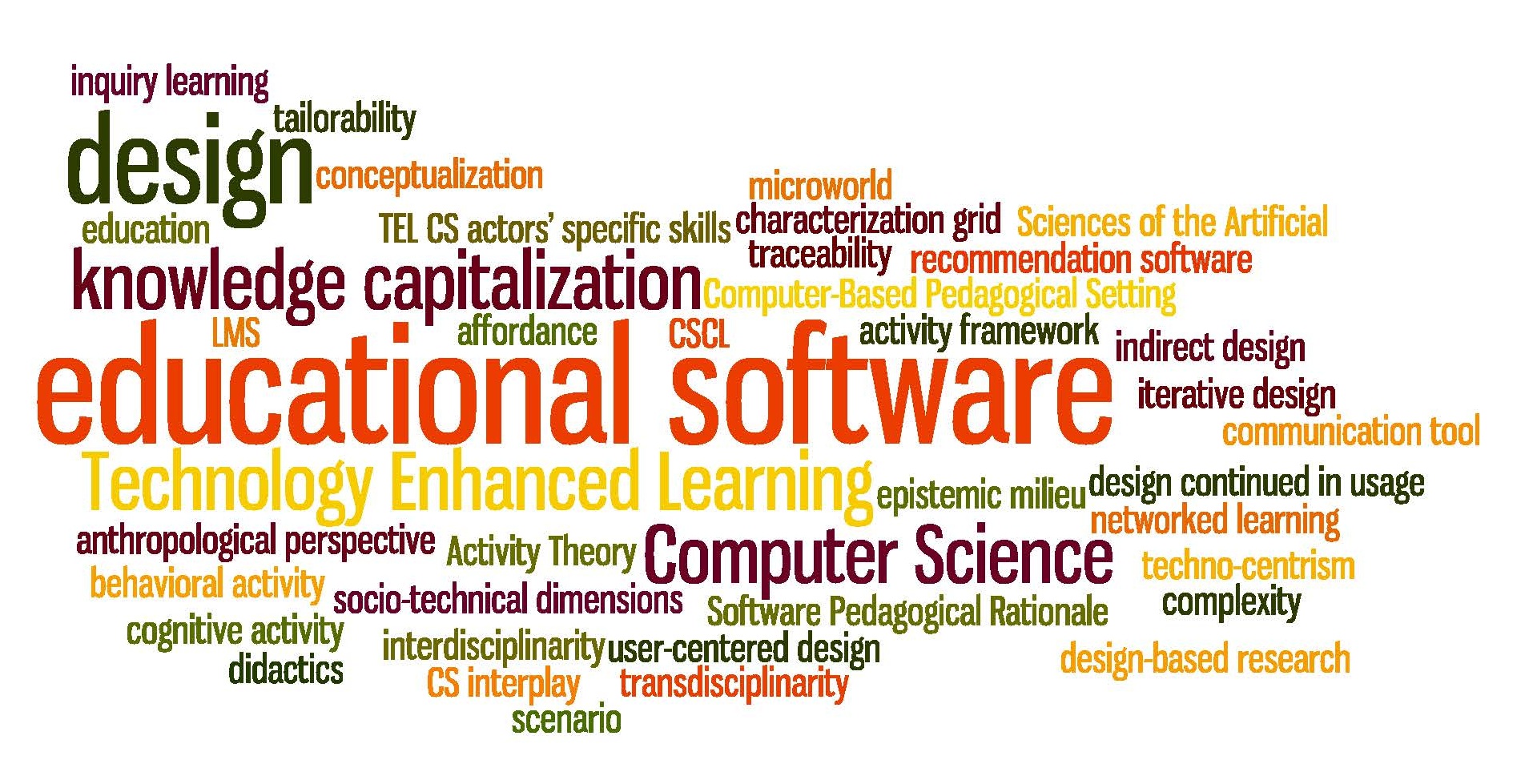
There is obviously reasoning behind problem-solving software and educational software becoming more and more present in our classrooms. One major benefit of using problem-solving software is that it helps students exercise a wide range of skills needed by future employers. Educational games also require students to apply their current knowledge and skills to win the games. This leads to students actually wanting to learn the skill instead of just memorizing it to pass a test. Educational software has various learning benefits to include drill and practice, tutorials, and integrated learning systems. Drill and practice software provides immediate feedback when students are practicing their basic skills. Tutorial software has been shown to increase student learning and create more positive learning attitudes. ILS software is useful because it can be directly aligned to state standards and individual student needs. Research has shown that basic student achievement improves when educational software is used.
How do I choose the correct software?
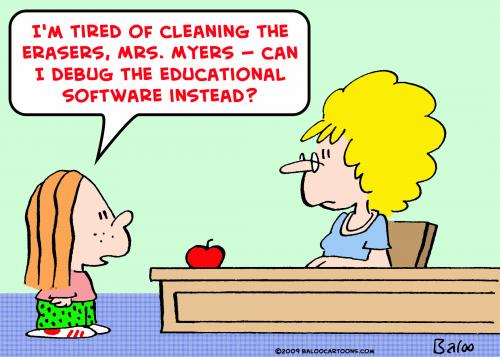
There are so many choices available for teachers when it comes to selecting software. It is critical that teachers select the best software for their needs and for the needs of the students. Teachers should try to evaluate the software and its usefulness before purchase. When evaluating the software, teachers should consider how and why the students are going to use the software and to achieve which learning objectives. It is recommended that teachers consider the following factors in evaluating software: content accuracy, ease of use, research-based instructional strategies, assessment of learning, and effective in meeting instructional objectives.
Software reviews also exist that can be extremely helpful to teachers when it comes to selecting what software to use in the classroom. The Educational Software Preview Guide (ESPG) has a list of over 1000 software programs that have gotten "favorable" reviews. There are also various websites that post reviews of educational websites. However, it is important that a teacher be careful and selective when choosing which review websites to trust.
Finally, after software us put into place, it is important that the teacher continue to assess it, especially after student use. The results are the most critical aspect in using the software. So it is necessary to monitor and track student's results and improvements with software use.
When I integrate problem-solving or educational software into a lesson, what changes will be needed?
When using the NTeQ model, it should be relatively easy to integrate educational software into a lesson. However, there are six steps of the NTeQ model that need to be further examined when using educational software. The first of these steps is computer functions: the teacher needs to look at the functions of the software being used to see if they match the specified objectives. The three major functions of educational software are providing content, providing practice and feedback, and providing processing tools. The teacher must ensure that the content of the software works to achieve the objectives of the NTeQ lesson plan. The second NTeQ step that needs to be re-examined is research and analysis. The type of research and analysis done depends on the objectives and the software being used. The third NTeQ step that a teacher needs to consider is the results presentation. Results are normally generated by the software. The last three steps of the NTeQ model that a teacher needs to consider when integrating education software into a lesson involve planning computer activities. Overall, teachers need to ensure that they are meaningfully integrating educational and problem-solving software into a lesson. This can mainly be done by "reviewing the content and activities carefully to select the appropriate portions to support intended learning."
 |
| image source |
There is obviously reasoning behind problem-solving software and educational software becoming more and more present in our classrooms. One major benefit of using problem-solving software is that it helps students exercise a wide range of skills needed by future employers. Educational games also require students to apply their current knowledge and skills to win the games. This leads to students actually wanting to learn the skill instead of just memorizing it to pass a test. Educational software has various learning benefits to include drill and practice, tutorials, and integrated learning systems. Drill and practice software provides immediate feedback when students are practicing their basic skills. Tutorial software has been shown to increase student learning and create more positive learning attitudes. ILS software is useful because it can be directly aligned to state standards and individual student needs. Research has shown that basic student achievement improves when educational software is used.
How do I choose the correct software?
 |
| image source |
Software reviews also exist that can be extremely helpful to teachers when it comes to selecting what software to use in the classroom. The Educational Software Preview Guide (ESPG) has a list of over 1000 software programs that have gotten "favorable" reviews. There are also various websites that post reviews of educational websites. However, it is important that a teacher be careful and selective when choosing which review websites to trust.
Finally, after software us put into place, it is important that the teacher continue to assess it, especially after student use. The results are the most critical aspect in using the software. So it is necessary to monitor and track student's results and improvements with software use.
When I integrate problem-solving or educational software into a lesson, what changes will be needed?
 |
| image source |
Reflecting on What I Know - Chapter 9
 |
| image source |
How can my students use multimedia for their projects?
Multimedia projects are especially useful for students during the final stages of an integrated computer lesson. The last step in that lesson is to create a group or an individual presentation. Multimedia presentations are a way for students to use computers to synthesize their ideas into a final presentation. It also allows students to create their own meaning for lesson concepts. Students can also use multimedia in an NTeQ lesson plan during their research phase, by using digital video or audio to record their own information. Besides their ease of use in an integrated lesson plan, multimedia presentations fulfill three of the six ITSE NETS. First, multimedia presentations allow students to display their creativity and innovation, as multimedia projects require innovation and integration of information from various platforms. Multimedia presentations also give students the opportunity to research and create fluent information. Finally, multimedia projects fulfill the NETS of technology operations and concepts since presentation technology is used.
What applications are available for creating a multimedia presentation?
There are many applications that can be used to build and present a multimedia presentation. Two multimedia applications that are similar in use are iMovie and Windows Movie Maker. These are software, used on the Apple and Windows operating systems, respectively. Movies are a great form of multimedia presentations because they have a sequence and can be used to tell a story. PowerPoint ins another software that is available to create a multimedia presentation. PowerPoint can be used for almost any type of presentation and easily integrates text, images, video, sound, and hyperlinks.
Should I place limits on how my students use multimedia?
It is important that limitations are placed when students are using multimedia to keep students on task and make efficient use of their computer time. Students should be given knowledge of what they should be doing during their computer time BEFORE they start using the computers. The teacher should given students some sort of parameters to work within during their time on the computer. The teacher must also ensure that students have completed all of the necessary work that is needed to be done before computer use. This includes things like what exactly they are going to research, an outline of information if they are in the step where they are creating the presentation, and so on.
Wednesday, March 19, 2014
Delicious & Educational Websites
I though that using delicious to bookmark educational websites that we deemed to be "good" was a great exercise. When I started to look for websites through Google, I thought it would be relatively easy to find 15 acceptable educational websites. I naively assumed that it would only take me about five or ten minutes to find the websites. However, it took me well over forty-five minutes to find websites that really fit the standards that the evaluation links suggested they should have. It was not too difficult to evaluate the websites, but rather time consuming.
 |
| image source |
I did run into a couple of websites that, at first glance, seem educational, but are really only trying to sell you a product. But I have noticed a good amount of websites like that when researching for past projects for this class and other classes. It is very frustrating to think you are finding an educational resource, while in reality a company is just trying to sell a product to you.
There were many websites that I found that I deemed to be not quite valuable of use in a classroom. For example, I found many websites with educational games, but little background information or referencing accompanied the games. This made me wonder whether the information on the games and websites was actually legitimate.
The Web 2.0 sites are a tool that I think I will have to get used to. I like the idea of the Web 2.0 websites and was actually asked to use them quite a few times during college. However, I would often get frustrated with learning to use a new website and wonder why we couldn't just complete the projects in a program that we already knew how to use, like Word or PowerPoint. I think that this is just me being stubborn about learning something new.
I actually did not choose many of the same websites as I have seen classmates choosing on Delicious, which kind of surprised me. I think it is good, though, that we have all been able to find different websites. It provides even more resources for us to share with each other!
I selected the fifteen sites that I did because they seemed relatively easy to use and navigate. I am obtaining my license in elementary education. I think that in order for younger children to be able to use these websites, the sites should not have a large learning curve.
Reflecting on What I Know - Chapter 6
Now that I have access to the Web, how can I use it effectively?
In order to use the Web effectively, I would have to first make sure that I had a good understanding of the features of different Web programs. Once I made sure I was knowledgeable of the features, I would connect my knowledge to what I was doing in the classroom. I could use the web to effectively search for information on a topic that I am teaching by using websites like Google. I could make sure that I was using e-mail and Skype to communicate via the Web with other teachers, parents, students and anyone else who would aid in my teaching. I would also use the Web to aid in managing all the content that I have to obtain and hold as a teacher, including grades and worksheets.
How do I manage students' use of the Web in my class?
It is important that a teacher manages how his or her students use the Web during class time. One important aspect of this management is making sure that children are using specialized kid-safe search engines. These engines, such as Google's Safe Search and Ask Jeeves for Kids, filter out any inappropriate or unwanted information when children search the Web. Kid-safe e-mail accounts are also a good tool to help manage students' Web use. These include e-mail servers like ePals and Gaggle.net. Teachers can also make sure that they establish a clear set of rules and code of conduct for internet use. They can make sure that students know and adhere to these rules. It would also prove helpful to have the rules and code of conduct displayed near the computers in the classroom. Finally, I would make sure that students are aware of copyright issues and what works is available for them to use in their projects.
Which features of the Web do I use?
In my classroom, I would use the Web for various processes and activities. I would use search engines and educational websites to help find resources and ideas for when I am lesson planning. I could use word processing programs for various reasons including writing letters to parents, class announcements, and fliers. E-mail would also be a wonderful tool to help ease correspondence with parents of my future students. I would most certainly create a classroom website to post on the school website to help keep students and parents up to date with what is going on in our classroom.
In order to use the Web effectively, I would have to first make sure that I had a good understanding of the features of different Web programs. Once I made sure I was knowledgeable of the features, I would connect my knowledge to what I was doing in the classroom. I could use the web to effectively search for information on a topic that I am teaching by using websites like Google. I could make sure that I was using e-mail and Skype to communicate via the Web with other teachers, parents, students and anyone else who would aid in my teaching. I would also use the Web to aid in managing all the content that I have to obtain and hold as a teacher, including grades and worksheets.
 |
| image source |
How do I manage students' use of the Web in my class?
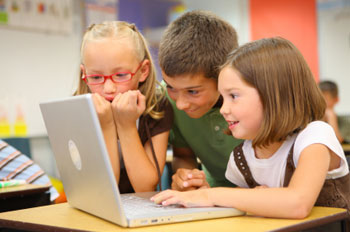
It is important that a teacher manages how his or her students use the Web during class time. One important aspect of this management is making sure that children are using specialized kid-safe search engines. These engines, such as Google's Safe Search and Ask Jeeves for Kids, filter out any inappropriate or unwanted information when children search the Web. Kid-safe e-mail accounts are also a good tool to help manage students' Web use. These include e-mail servers like ePals and Gaggle.net. Teachers can also make sure that they establish a clear set of rules and code of conduct for internet use. They can make sure that students know and adhere to these rules. It would also prove helpful to have the rules and code of conduct displayed near the computers in the classroom. Finally, I would make sure that students are aware of copyright issues and what works is available for them to use in their projects.
 |
| image source |
Which features of the Web do I use?
In my classroom, I would use the Web for various processes and activities. I would use search engines and educational websites to help find resources and ideas for when I am lesson planning. I could use word processing programs for various reasons including writing letters to parents, class announcements, and fliers. E-mail would also be a wonderful tool to help ease correspondence with parents of my future students. I would most certainly create a classroom website to post on the school website to help keep students and parents up to date with what is going on in our classroom.
Subscribe to:
Posts (Atom)